



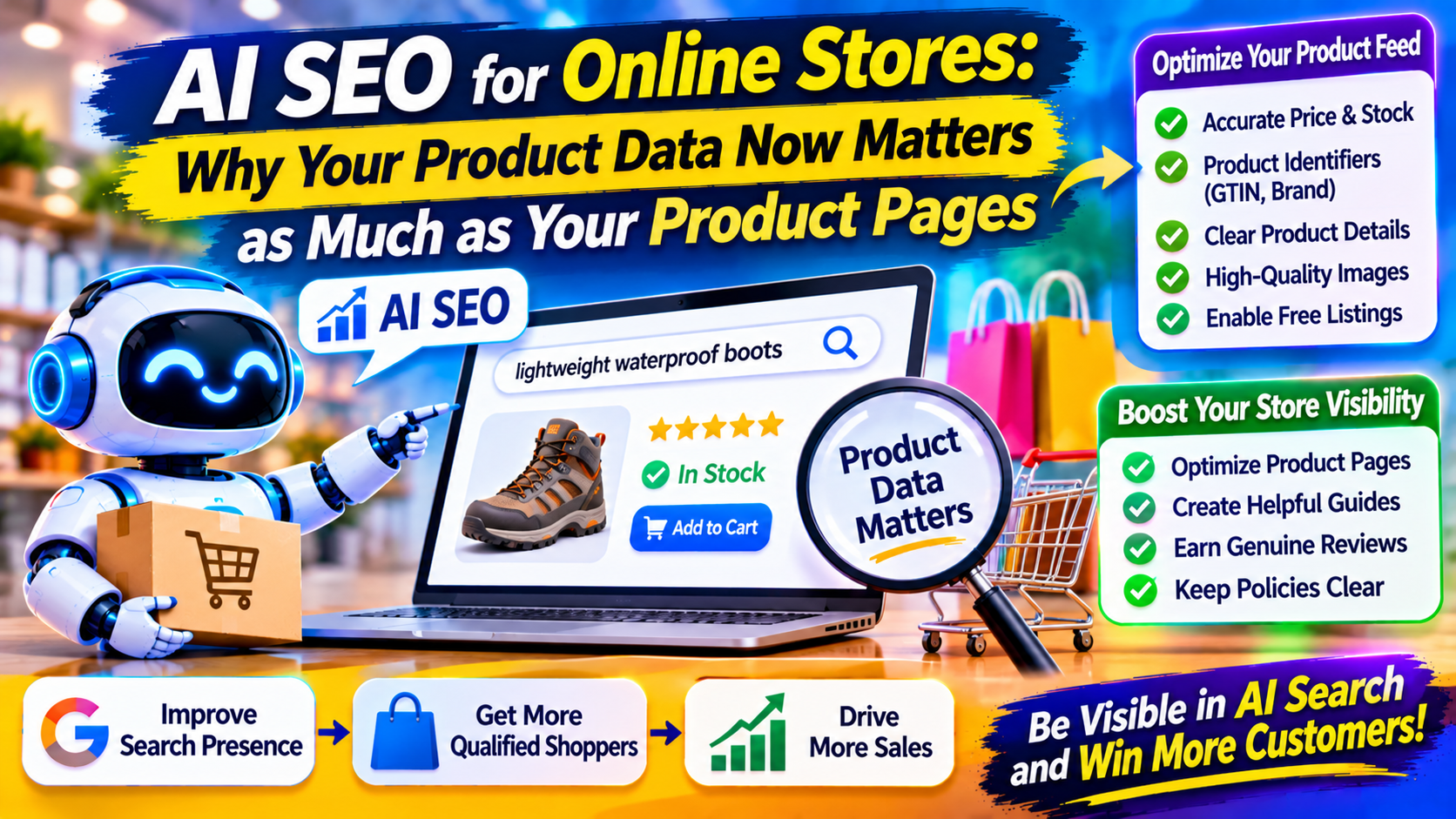
Shoppers used to type “waterproof hiking boots,” scan a results page and click through to a store. Increasingly they describe what they want in full sentences, such as “lightweight waterproof boots for wide feet under $150,” and expect an assistant to narrow the field.
For online stores, that changes where visibility is won. Product pages still matter, but they are no longer the only place a product is described. This guide explains how AI SEO shopping experiences find products, which fixes pay off first, and what no feed can replace.
How AI Shopping Finds Products
There isn’t one pipeline. Different assistants draw on different data, and the picture is shifting.
For Google, one e-commerce analysis summarizes it neatly: AI Mode shows products from the same sources as Google Shopping, meaning pages Google can crawl and index plus product data in Google Merchant Center. The same source notes Google says there are no extra requirements or special markup for AI Mode, so the advice is to keep Merchant Center accurate, make structured data match the page, and keep Googlebot unblocked.
ChatGPT is murkier. The same analysis lists several routes, including crawled pages, Shopify Catalog, direct feeds and third-party data. Vendor blogs disagree on how much ChatGPT leans on Google’s shopping data versus Bing’s, and some quote precise percentages I couldn’t verify from a primary source. Treat those numbers with suspicion. What you can say safely is that a clean, consistent catalog helps wherever the data travels. scandiweb
Fix the Feed Before the Blog
Many stores invest in content marketing while their product feed sits neglected. If a shopping assistant matches a request against structured fields, a vague or incomplete feed makes your product harder to select, however good your blog is.
Reported guidance on Google’s side is that updates to pricing, availability and product data in Merchant Center can appear across AI Mode and other shopping experiences. That makes accuracy a live concern, not a quarterly clean-up. ecommercefastlane
Prioritize these basics:
- Correct, current price and stock. Nothing damages trust faster than a recommendation that leads to an out-of-stock page or a different price.
- Product identifiers. Include standard identifiers such as GTINs and brand where they exist, so systems can recognize the exact item.
- Variants handled properly. Size, color and material should be distinct, accurate attributes rather than buried in a title.
- Titles that describe the product plainly. Lead with what it is and its key attributes, not marketing slogans.
- Good images. Use clear, consistent photos from several angles.
- Free listings enabled where available. Some merchants skip this setting. Check your own account, since features differ by country.
Make Your Page and Feed Tell the Same Story
When the price in your markup differs from the price on the page, or the feed says “in stock” while the page says “sold out,” you create a trust problem for both machines and humans. Aim for one source of truth, with the page, the structured data and the feed all drawing from the same product database. Run a monthly spot check on your top sellers.
What a Feed Can’t Say
Feeds describe attributes. They can’t convince, explain or reassure. That’s where product and category pages earn their keep, and where most stores are thinnest.
Strong product pages answer the questions a shopper would otherwise ask a salesperson:
- Who is this best for, and who should skip it?
- How does it fit, work or perform in real use?
- What is it compatible with?
- How does it compare with the next model up or down?
- What are the honest drawbacks?
- What happens if it doesn’t suit me, including returns, warranty and shipping?
Sarkar SEO recommends writing these sections from real customer questions, drawn from support emails, live chat logs and reviews, rather than from the manufacturer’s spec sheet. Manufacturer copy appears on dozens of competing stores, so it gives AI systems no reason to prefer yours.
Use Category Pages and Buying Guides Strategically
Shoppers who ask an assistant for advice often start with a decision, not a product: “Which type of mattress suits side sleepers?” Buying guides and well-built category pages can serve that stage, and they let you connect shoppers to the right products.
Make them genuinely useful:
- Explain the trade-offs between product types in plain language.
- Include selection criteria such as budget, space, skill level or climate.
- Link to specific products that match each scenario.
- State clearly when a cheaper option is enough.
That last point builds credibility. A guide that always recommends the most expensive item reads as a sales page.
Reviews and Reputation Carry Weight
Assistants and shoppers alike look for evidence that a product works. Collect reviews after purchase, respond to criticism professionally, and display recent, detailed reviews on the product page. Photos and specifics, such as “fit true to size, but narrow in the toe,” are worth far more than five-star ratings with no text.
Off-site signals matter as well. Independent reviews, comparison articles and community discussions can reinforce your brand’s reputation. Earn them by being good, not by manufacturing them. Fake reviews violate platform rules and can result in penalties.
Don’t Forget the Policies
Delivery times, return windows, warranty terms and payment options are decision factors. Put them in clear, crawlable text rather than only inside images or pop-ups. If your store ships internationally, state which countries you serve, and be careful about local pricing, currency and tax display.
How to Track Progress
Standard analytics alone won’t show the full picture, so combine several views:
- Merchant Center diagnostics for disapprovals, warnings and missing attributes.
- Search Console for product-related queries and rich result status.
- Prompt testing. Ask assistants the questions your customers ask, such as “best [product type] for [use case],” and record which brands appear. Repeat monthly, since answers vary.
- Revenue by landing page and channel, plus post-purchase surveys asking where customers first heard of you.
