



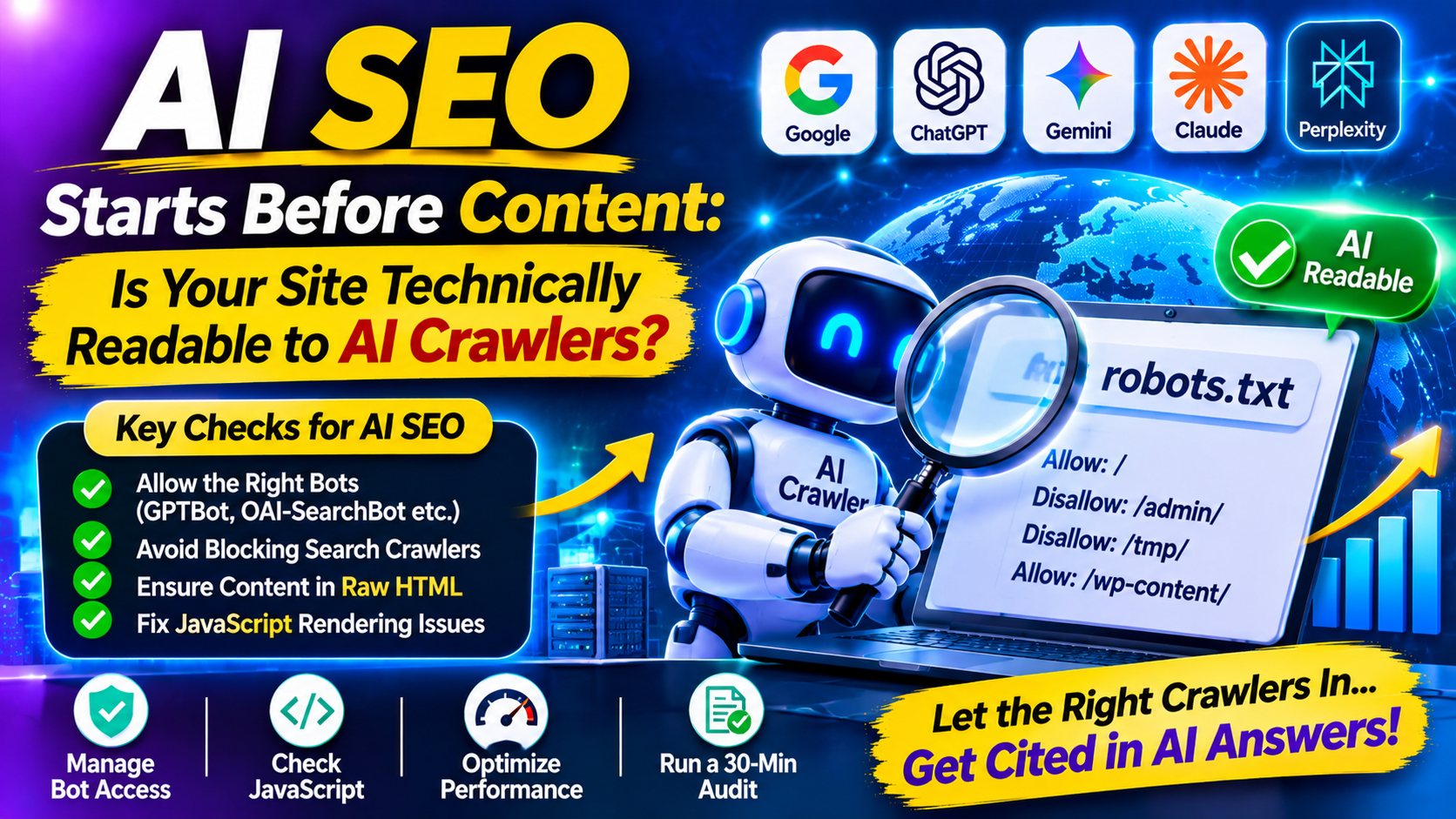
You can publish the best article in your niche and still be invisible to AI assistants. The reason is rarely the writing. More often a robots.txt line blocks the wrong bot, or the page content never reaches the crawler at all. This guide covers the technical layer of AI SEO that most content-focused advice skips.
Why the technical layer comes first
Traditional search engines have one main crawler with a mature set of rules. AI products use several, each with a different job. If you misunderstand which bot does what, you can lose visibility without ever noticing, because the damage doesn’t show up in your usual dashboards.
The good news is that this layer is mostly checkable in an afternoon. At Sarkar SEO, it is the first thing we audit when a business says it isn’t appearing in AI answers.
Three kinds of bots, three different decisions
Treating every AI bot the same is the most common mistake. They fall into roughly three groups:
Training crawlers collect content that may inform future models. You get no traffic from them, and your ideas may surface, unattributed, in a model’s answers a year from now. Examples include GPTBot and ClaudeBot.
Search crawlers build the indexes that answer engines retrieve from. AI search indexers such as OAI-SearchBot and PerplexityBot build retrieval indexes for AI answer engines, and these can send cited, linked traffic.
User-triggered fetchers load a page live when a person asks a question. OpenAI separates this into ChatGPT-User (user-initiated fetches) and OAI-SearchBot (surfacing sites in ChatGPT search), and Anthropic splits out Claude-User and Claude-SearchBot the same way.
The practical consequence: blocking the search and user bots is what removes you from AI answers. Blocking only the training bots does not. cloro
What publishers are actually doing
Real-world choices are mixed. Zyte’s State of Web Access 2026 report found OAI-SearchBot blocked at a 2:1 ratio, ChatGPT-User and PerplexityBot at roughly 3:1, and GPTBot at 5:1. In other words, sites tend to be more willing to admit bots that can return referral traffic than bots that only collect training data.
The same report adds a warning worth remembering. Some sites made a general decision to close their robots.txt to all automated access, and AI crawlers are caught as part of that. If nobody on your team consciously chose to block AI search bots, check whether an old blanket rule did it for you.
A sensible robots.txt starting point
Many sites want to opt out of training while staying visible in AI search. One published guide describes that setup this way: block the training bots, and for search crawlers and user bots, no rule is needed if they should remain allowed, because no rule means allowed.
Two cautions. First, whether to block training bots is a business decision, not an SEO rule. A consultant who benefits from being quoted may reasonably welcome them, and one analysis argues blocking them costs you nothing in today’s AI search results. Second, Google’s setup is different. Google-Extended is not a crawler of its own but a control token, and one guide notes it has no effect on AI Overviews and only opts you out of Gemini and AI training use. Verify the current behavior in Google’s own documentation before making changes, since bot policies change. ai crawlers robots txt +2
Also remember robots.txt is a request, not a lock. It cannot stop a crawler that chooses to ignore it.
The bigger hidden problem: JavaScript
Even when every bot is allowed in, many cannot read modern JavaScript-heavy pages. Googlebot renders scripts in a second pass. Most AI crawlers don’t.
The most-cited evidence is a Vercel and MERJ crawl-log study from December 2024. It found these crawlers download JavaScript files but never execute them, with JavaScript making up roughly 11.5% of GPTBot requests and 23.84% of ClaudeBot requests. Gemini is the exception, because it borrows Googlebot’s rendering.
For a site built with client-side rendering, the consequence is stark. One analysis describes the case as a JavaScript-rendered site handing ChatGPT a nearly blank page. Comparison tables, FAQs, and product specifications are often the first elements to vanish, and they are exactly what answer engines like to quote.
Be careful with the evidence here. The core study is nearly two years old, and several of the claims I found are repeated from it across secondary write-ups. Crawler behavior may have changed, so test your own pages instead of assuming.
A 30-minute readability test
You don’t need special software.
- Fetch the raw HTML. Run curl on a key page, or use “view source” in your browser (not “inspect”). If the main text, headings, and prices appear, crawlers that skip JavaScript can read them. If you see mostly an empty container and script tags, they likely can’t.
- Compare word counts. Compare what you see in the browser with what the raw HTML contains. A big gap is the warning sign.
- Check your logs. A simple search of your access log for OAI-SearchBot gives a same-day count of ChatGPT search fetches. Look at status codes too. Repeated errors or blocked responses tell you more than traffic totals.
- Don’t trust analytics alone. AI crawlers that don’t execute your analytics JavaScript won’t appear as normal visits in GA4, so the dashboard can look healthy while the crawler received a materially different version of the page.
Fixing what you find
If key content depends on scripts, the cleanest fix is serving that content in the initial HTML through server-side rendering or static generation. Pre-rendering is a workable alternative for large existing sites. Put your most important facts, including pricing, definitions, and contact details, in plain text near the top of the page. This helps people on slow connections too.
Speed matters as well, though treat the numbers cautiously. One write-up cites an SE Ranking study of 129,000 domains and claims pages with First Contentful Paint under 0.4 seconds get cited 3x more than pages above 1.13 seconds. That is a correlation from a secondary source. It supports faster pages as a sensible goal, not as a guaranteed lever.
Putting it together
Work through a short checklist: confirm which bots your robots.txt allows, decide your training-bot policy on purpose, confirm your important pages show their content in raw HTML, and review logs monthly. If you’d rather hand this off, Sarkar SEO runs technical AI-readiness audits that cover bot access, rendering, and log analysis, then deliver a prioritized fix list rather than a generic report.
