



You can do everything right and still not know it’s working. Someone asks ChatGPT for advice, clicks your link, reads your page and enquires. Your analytics shows the visit, but not where it came from.
That measurement gap is one of the most frustrating parts of AI SEO. This guide covers how to close part of it, and how to be honest about the part you can’t.
Why AI visits go missing
Google Analytics 4 sorts every session into a default channel group: Organic Search, Direct, Referral, and so on. Those rules were built before AI assistants sent meaningful traffic. As one setup guide explains, when a user clicks a link in a ChatGPT answer, the visit arrives with a referrer like chatgpt.com, and GA4 lumps it into the generic Referral channel alongside Reddit, forums and random backlinks.
That is the good case. In the bad case, the referrer is missing altogether. One guide states that most AI chatbots either send no referrer at all or use inconsistent hostnames, so a large share of AI-driven traffic shows up in GA4 as Direct. Another defines the result as “dark AI traffic”: visits from assistants that arrive without referrer headers and are misclassified as direct. terminusappsearchatlas
Treat these as practitioner claims, not measured industry facts. No public dataset I found tells you what share of AI visits goes dark. What you can rely on is the logic: if the browser or app doesn’t pass a source, GA4 can’t invent one.
Build a separate AI channel
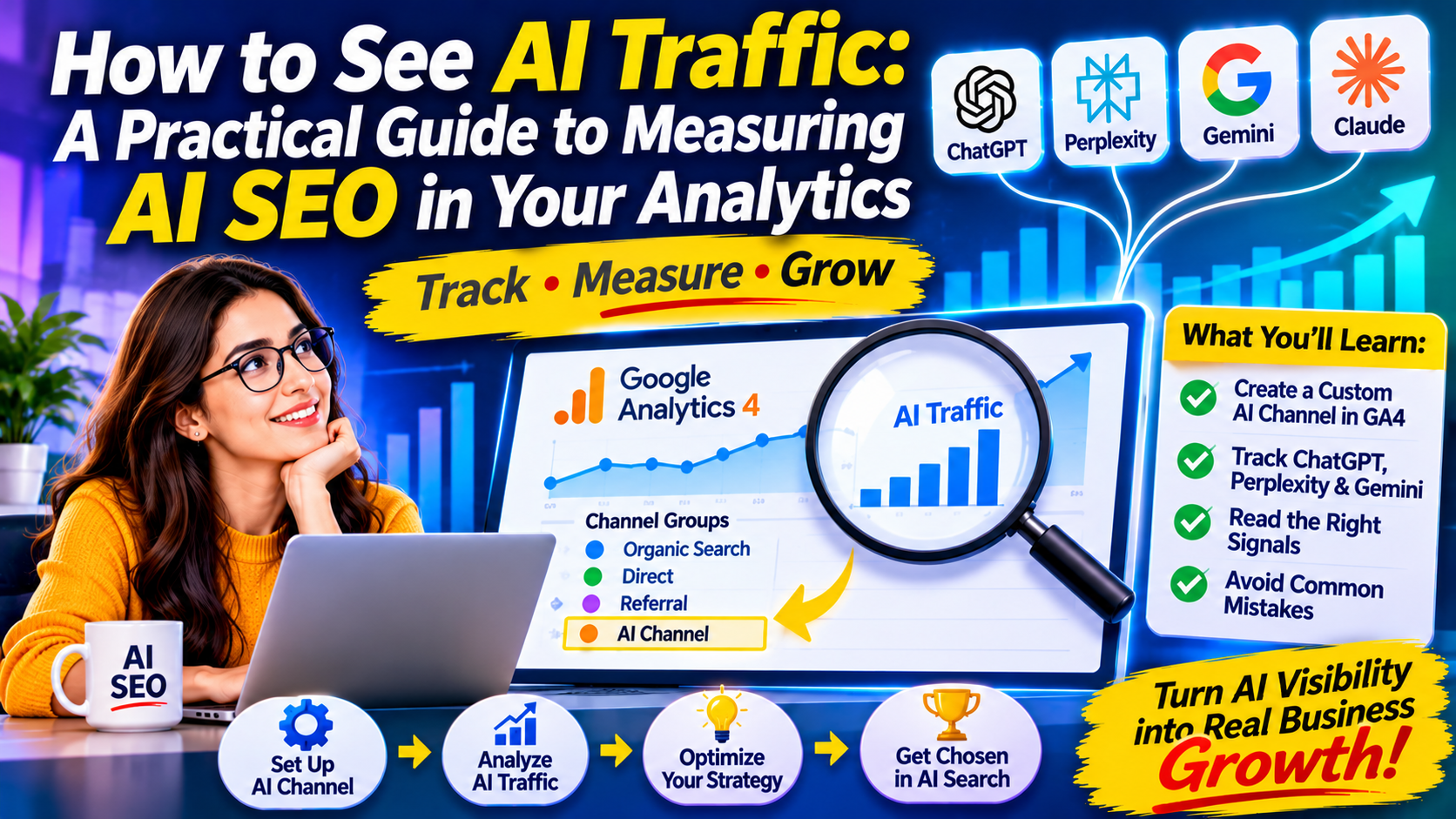
The fix most guides agree on takes minutes. In GA4, open Admin, then Channel groups, and create a custom group. Add a rule that matches the source against the main AI domains. A typical pattern from one guide captures traffic from ChatGPT, Perplexity, Claude, Gemini and Microsoft Copilot in a single rule. The domains usually listed are chatgpt.com, chat.openai.com, perplexity.ai, claude.ai, gemini.google.com and copilot.microsoft.com.
Three details trip people up.
Order matters. If your AI channel sits below Referral, GA4 applies the Referral rule first and your new channel stays empty. One guide’s fix: if the AI channel shows zero sessions while chatgpt.com traffic still appears under Referral, move the AI channel above Referral.
Don’t restrict the medium. One agency warns that limiting the rule to the referral medium will miss clicks that arrive as chatgpt.com with a medium of none or not set. That follows from a change it describes: in mid-2025, OpenAI began appending a utm_source parameter to desktop citation links. I couldn’t confirm that date from OpenAI itself, so verify it by checking your own reports.
Watch for historical data. Sources disagree on whether the new channel applies to past data. One says custom channel groups apply retroactively to all historical data. Another says the custom group applies to sessions going forward only. Test it on your own property by comparing a date range from before you created the group. savvyterminusapp
One more caution: one source mentions a built-in AI assistant channel in GA4 but says support for Perplexity, Copilot and others was not confirmed at the time of writing. Check your own channel list before building a custom one, and keep the custom version if the native one is incomplete.
Tag what you control
For links you place yourself, such as email signatures, social profiles and partner pages, use consistent campaign tags. One guide suggests a convention like utm_source set to the platform name, such as chatgpt, claude, perplexity or gemini. This won’t help with organic citations, since you don’t control those links. It does keep your own campaigns from muddying the AI channel.
Read the numbers sensibly
Once the channel exists, resist the urge to judge it on volume. AI traffic is usually small, and one source puts it plainly: treat the result as a floor on real volume, not a complete count.
Instead, ask three questions.
Which pages receive AI visits? Open landing pages filtered to your AI channel. These are the pages assistants already trust. Study what they share: format, depth, clarity of the opening. Then apply it elsewhere.
What do these visitors do? Compare engagement and conversions against organic search. Some vendors claim AI visitors convert far better than organic visitors, with figures ranging widely depending on the source. I would not repeat any of them without your own data. Your own comparison is the only number that matters for your business.
Which assistants send visitors? The split shows where your audience is. It may differ sharply from what national surveys suggest.
Add signals GA4 can’t give you
Analytics only counts clicks. Many AI answers mention a brand without sending anyone anywhere. For that, you need other evidence.
- Ask people. Add “How did you hear about us?” to your enquiry form, with AI assistants as an option and a free-text field. At Sarkar SEO, this single field often tells us more about AI influence than the dashboards do.
- Watch branded search. If more people search for your name directly, an assistant may have introduced you.
- Check server logs. These show which AI bots fetch your pages, a different thing from referral visits, but a useful sign that your content is being read.
- Run manual tests. Ask assistants the questions your customers ask, and note whether your name appears. Do it monthly and keep a simple log.
- Use Search Console’s generative AI report if it’s available to you, for Google’s own features.
None of these is perfect. Together they give a reasonable picture.
Mistakes to avoid
Declaring AI SEO a failure because the channel is small. Small and growing may still be valuable, especially if the visitors are well matched to your offer.
Declaring it a success because Direct traffic rose. Direct rises for many reasons, including email, offline marketing and untagged links. Without other evidence, don’t credit AI.
Chasing precision. Different tools will give different answers. Pick one method, apply it consistently, and compare month to month.
Ignoring privacy rules. If you add form fields or tracking, follow the consent and data laws that apply in your audience’s countries.
A one-hour setup
- Check whether GA4 already shows an AI channel.
- If not, create a custom channel group and place it above Referral.
- Add the “How did you hear about us?” question to your main form.
- Set a monthly reminder to review landing pages, conversions and your manual test log.
That’s enough to start learning, without buying new software.
If you want help setting this up properly, Sarkar SEO can work through your analytics with you.
