



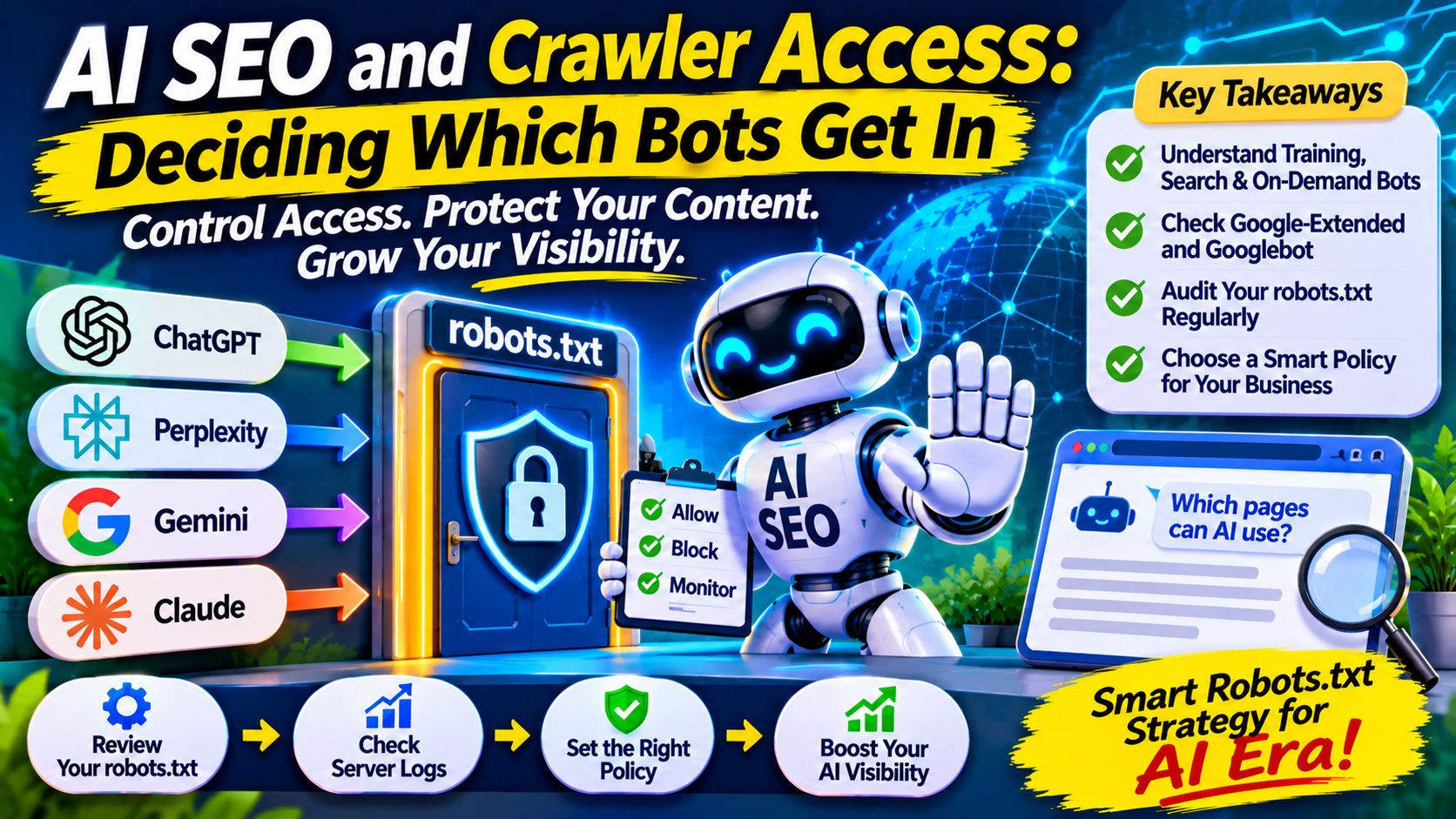
Most AI SEO advice is about what to publish. A quieter question comes first: which automated visitors are allowed to read your site at all? Your robots.txt file now shapes whether your content is used to train AI models, whether it can be retrieved for live answers, or both. Many sites have made these choices by accident, through a default setting nobody reviewed. This guide helps you make them on purpose.
Training, Search and On-Demand: Three Different Jobs
The core idea is that “AI crawler” covers at least three purposes, and treating them as one switch leads to mistakes. Practitioner guides commonly sort them into training, retrieval and user-triggered fetching, and say confusing these layers is the root of most backwards robots.txt files.
OpenAI is the clearest example. Practitioner references describe OAI-SearchBot as gathering pages that ChatGPT’s search feature may cite, so blocking it can remove you from those answers, while GPTBot is described as the model-training crawler. A site can therefore opt out of training and still stay citable. Most vendors publish named user agents so you can set each independently, but these names change, so confirm against each vendor’s own documentation before editing anything. I could not open those vendor pages directly while researching this article.
Google Works Differently
Google is the exception to the pattern, and it trips people up. Google’s documentation says Google-Extended is used for Gemini and for grounding in Gemini Apps and Grounding with Google Search on Vertex AI, and does not affect a site’s inclusion in Google Search or act as a ranking signal.
So blocking Google-Extended is not a way to leave AI Overviews, and allowing it is not a way to enter them. One source claiming otherwise is simply wrong on this point, which is a reminder to check claims against primary documentation. Visibility in Google’s AI features follows ordinary Search rules. Google’s guide says a page must be indexed and eligible to appear in Search with a snippet to be shown in generative AI features. The practical controls there are Googlebot access and snippet settings, not the Gemini token. Blocking Googlebot itself would hurt regular Search traffic, so that is rarely the right lever.
The Accidental Block Problem
Sarkar SEO suggests starting with an audit, because inherited settings are a bigger risk than deliberate ones. One industry glossary notes that many sites inherit default robots.txt or firewall rules that block certain AI crawlers without the team realizing. Common sources include old templates, security plugins and CDN settings. One practitioner guide warns that some Cloudflare setups add a managed block to robots.txt, which can be switched off in its AI crawler controls.
If you have never looked at your file, assume nothing. Open yours, read every rule, and check what your host, CDN and plugins add on top.
Choose a Policy by Business Type
There is no universal answer. This framework is my own, built from the distinctions above, so treat it as a starting point.
Publishers and paywalled sites. Your content is the product. Consider blocking training crawlers, deciding separately on search crawlers, and checking whether any partner arrangement affects the choice. Accept that fewer AI citations may be the trade.
Ecommerce stores. Product pages are usually meant to be found. Allowing search and retrieval crawlers on public catalog pages is generally sensible, while cart, checkout and account paths stay blocked for every bot.
B2B and service businesses. Being named in answers can influence buyer research, so blocking retrieval crawlers carries a visibility cost. Training is a values call: some firms are comfortable, others are not.
Sites with proprietary research or paid courses. Keep gated material behind login, not behind a robots rule alone.
Know What robots.txt Cannot Do
The file is a request, not a lock. One practitioner guide describes it as just a gentleman’s agreement. Google states that its common crawlers always obey robots.txt rules, and major AI vendors generally say theirs do as well, but others may not. Some vendor documentation also describes user-triggered fetches, where a person asks an assistant to open a specific page, as handled differently from automatic crawling. If content is truly sensitive, protect it with authentication or server rules. tentengoogle
Blocking also works going forward. Google reportedly told the UK Competition and Markets Authority that removing content already added to its search AI models was not feasible. If you want to opt out, do it early, and do not expect a block to erase the past.
A Quarterly Access Audit
Crawler names and behaviors change several times a year, so a short recurring check beats a one-time fix.
- Read your live robots.txt and any rules added by your CDN, host or security tools.
- List each AI crawler you allow, block or have not addressed, and write down the reason for each decision.
- Test key URLs with a robots checker to confirm your rules do what you intend.
- Check server logs for which bots actually visit and how heavily, since some can strain small servers.
- Confirm Google basics in Search Console: indexing, snippet eligibility and no accidental noindex rules.
- Re-check vendor documentation for renamed or newly added crawlers.
What Access Does Not Do
Allowing every bot does not earn citations. It only removes a barrier. Whether assistants name or cite you still depends on whether your content is useful, specific and credible. Equally, blocking training does not shield your brand from being discussed elsewhere on the web.
Also resist copying a “perfect” robots.txt from a blog post. Several of the templates circulating online disagree with each other, because the right policy depends on your business goals.
