



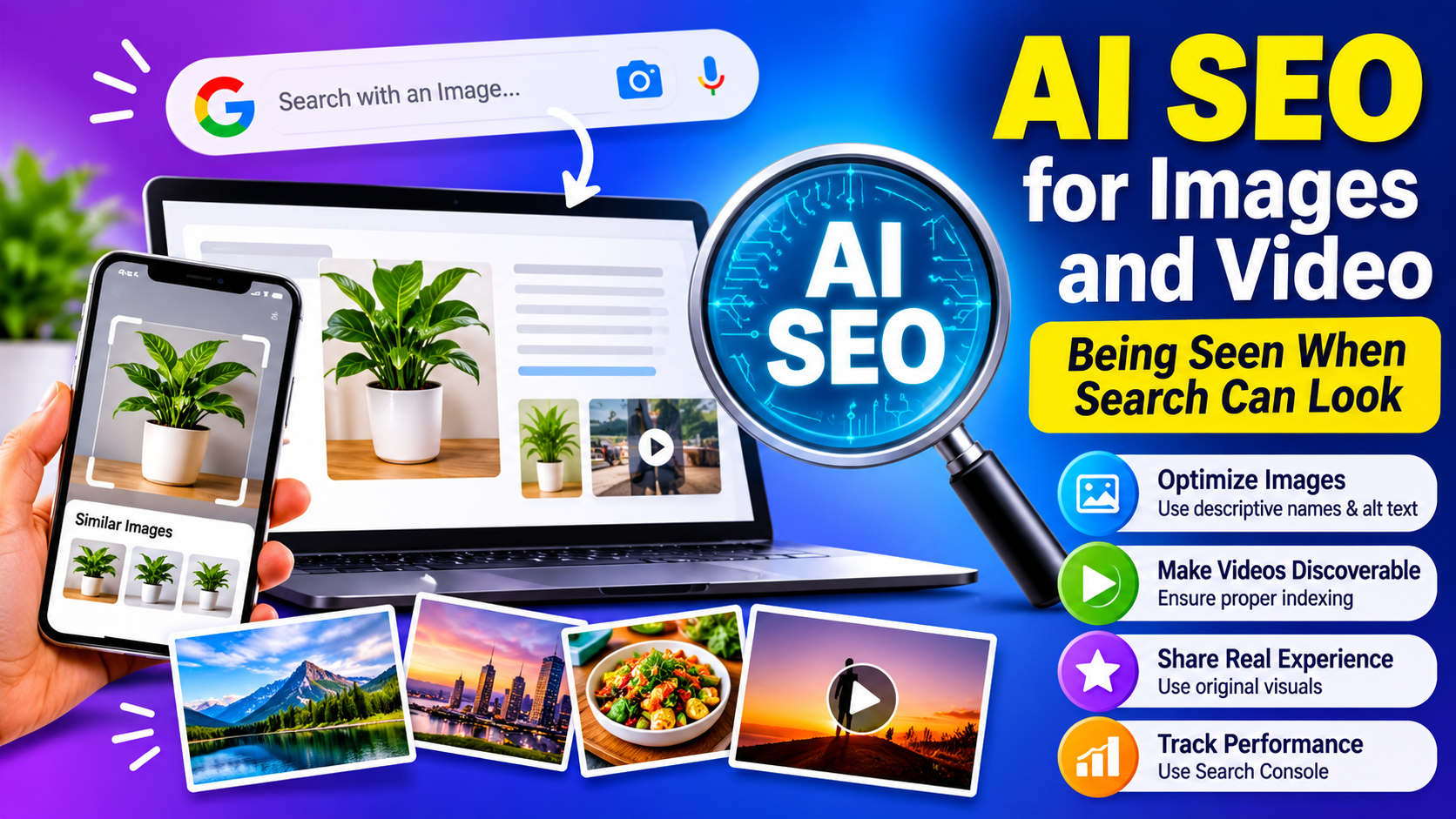
Search used to start with typed words. Now people photograph a product, point a camera at a problem, or upload a picture and ask a question about it. AI systems can answer in text while pulling images and video alongside. For anyone doing AI SEO, that turns visuals from decoration into discovery assets. This guide covers what the official guidance says, what is still unknown, and how to make your images and videos work harder.
Search That Can See
The shift is real, though still developing. In 2025 Google announced that AI Mode lets users snap a photo or upload an image, ask a question about it and receive a detailed response with links to explore further, combining Lens with a custom version of Gemini. The same coverage points to Google’s query fan-out technique as the key technical idea behind it.
Google’s guidance for site owners adds a practical note. Its generative AI features can bring in relevant images and video, giving websites more chances to appear beyond ordinary page links, and following its image and video SEO documentation means you are already optimizing for generative search. That is the clearest official signal: no separate visual playbook exists, but the existing one now matters more. google
Images: Context Does the Talking
Google’s image documentation makes a point many sites miss. Google extracts information about an image’s subject from the page content, including captions and image titles, and it recommends descriptive filenames, titles and alt text. In other words, an image is understood partly through what surrounds it.
That suggests a few habits:
- Name files for what they show. A name that describes the scene beats a camera default.
- Write alt text for a person. Describe what is in the image and why it matters on this page. Avoid stuffing keywords.
- Place images next to the text they support, with captions where useful.
- Keep one idea per image. A cluttered visual is harder for both people and systems to interpret.
These steps also improve accessibility for screen-reader users, so the effort pays off twice.
Make the Image the Evidence
Sarkar SEO’s view is that the biggest opportunity is not markup but substance. Google’s guide says a first-hand perspective stands out against content that merely restates what is already online. Visuals are one of the easiest ways to show first-hand experience:
- Photos of your real work, premises or products instead of generic stock
- Annotated screenshots showing a process step by step
- Charts built from your own data, with the source and date stated
- Before-and-after comparisons you can truthfully document
Treat this as a practical suggestion, not a proven ranking factor. The logic is simple: an assistant choosing between ten near-identical stock-photo pages has little to separate them, while a page with distinctive evidence gives it a reason to pick you.
Video: Eligibility Comes First
Video has a gatekeeping step that is easy to overlook. Google says that to be eligible for video features, the watch page must be indexed, and it must be performing well in Search before its video can be considered for indexing. Google also warns that some CDNs use quickly expiring URLs for video and thumbnail files, which can stop Google from indexing videos or fetching the files.
So before you invest in production, confirm three things: each video sits on a crawlable page with meaningful surrounding text, the file and thumbnail URLs are stable, and the page itself is worth indexing. Adding a transcript or a written summary beside the video is a sensible habit, since it gives readers an alternative and gives systems text to work with. That is my suggestion, not a stated Google requirement.
Do Not Bury Facts Inside Pictures
Infographics, screenshots of pricing tables and text-heavy graphics are tempting shortcuts. I found no official statement on how reliably AI systems read text embedded in images, so avoid depending on it. If a number, policy or instruction matters, put it in the page’s actual text and use the image to illustrate it. The same rule protects users on slow connections and anyone using assistive technology.
Test Visual Discovery Yourself
Here is a simple check, offered as a practical suggestion rather than an established method:
- Photograph your own product or print a key diagram. Use a clear picture, as a customer might.
- Run it through visual search and an AI assistant that accepts images. Ask the question a buyer would ask.
- Record what comes back. Does your brand appear? Do competitors? Is the information correct?
- Compare with your pages. If the answer is wrong or generic, look for gaps in the text near your images.
- Repeat quarterly. Visual features are changing quickly, so results will shift.
Measure Without Over-Reading
Google points site owners to the Generative AI performance report in Search Console to see how content performs in its AI features. Pair it with the image and video filters in your search performance data where available, and with simple business signals like store visits, calls and sales. Many industry statistics about visual search growth circulate online, but most come from vendors and cannot be checked easily, so use them for context and not for planning. google
Mistakes to Avoid
Mass-producing images. Generating hundreds of near-identical illustrations adds bulk, not value, and conflicts with Google’s warnings about scaled, low-effort content.
Misleading visuals. Do not present AI-generated images as real photos of your work, products or people. It damages trust and can create legal exposure.
Ignoring page speed. Heavy images slow pages down, and Google lists good page experience among its technical basics.
Skipping licensing. Confirm you hold the rights to every image and video you publish.
