



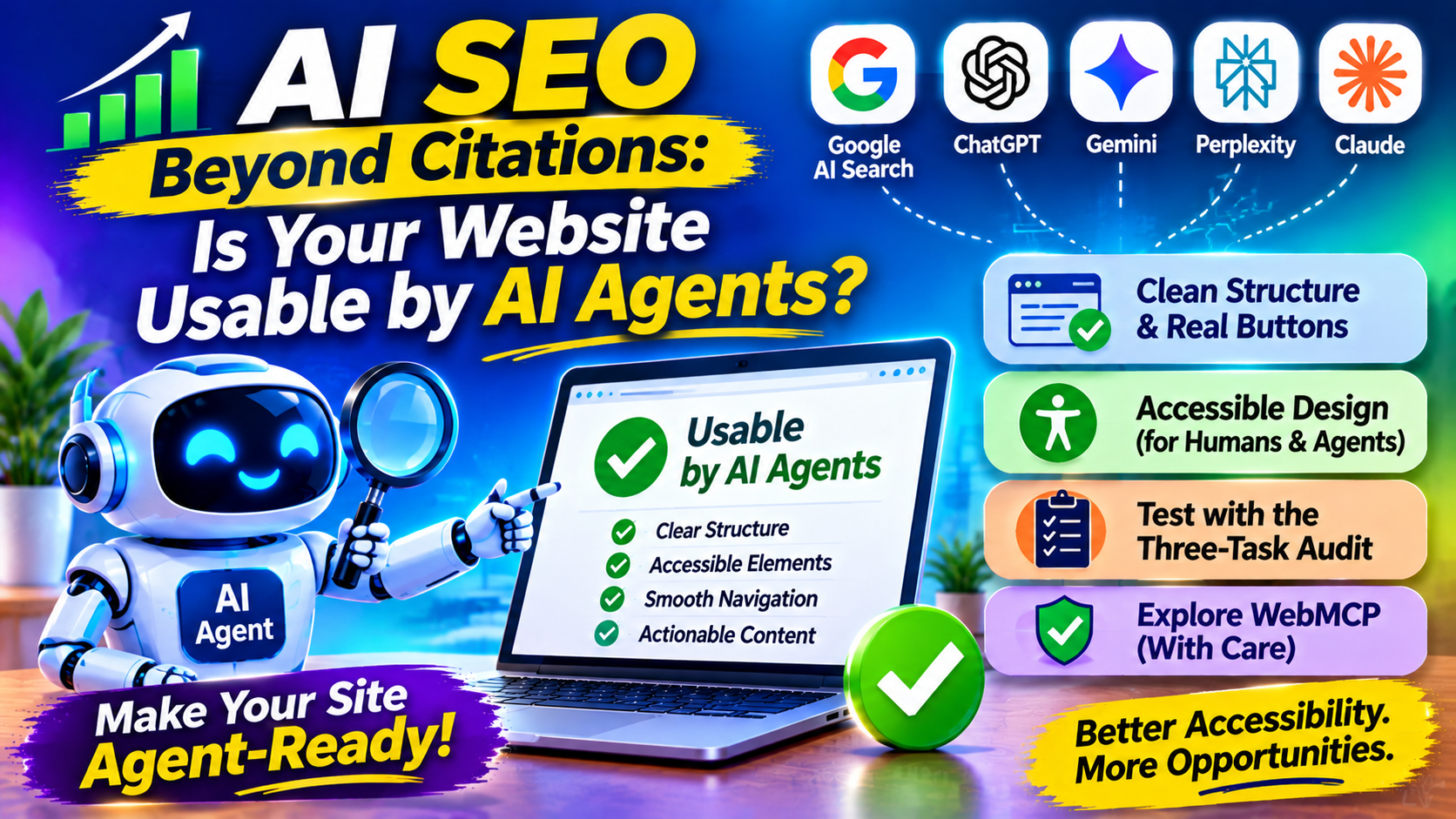
Most AI SEO work focuses on being found and quoted. A quieter shift is underway: being used. Some people no longer browse a site themselves. They ask an AI agent to compare options, fill in a form or complete a booking. If the agent cannot operate your site, you lose a customer you never saw. At Sarkar SEO, we think this is the next practical frontier, so here is what is known, what is still experimental, and what you can test this week.
A New Kind of Visitor
Google’s web.dev team states it plainly: some people are moving from manual navigation to delegating goal-oriented journeys to autonomous AI agents that can interpret input, plan and act on their behalf.
Keep this in proportion. Google’s own AI optimization guide treats agentic experiences as something to explore if relevant to your business and you have extra time, and notes that protocols such as the Universal Commerce Protocol are only emerging. This is a preparation topic, not a ranking emergency.
How Agents Actually See a Page
An agent does not look at your design the way a visitor does. According to web.dev, agents view a site through screenshots, raw HTML or the accessibility tree. Screenshots are slow and expensive in tokens, so they tend to serve as a backup when structure is confusing. The accessibility tree, in contrast, distills the page into the roles, names and states of interactive elements. Modern agents combine these views and cross-check them. Build agent-friendly websites +2
The takeaway: clean structure beats visual polish. A beautiful page with unclear structure can be unusable to a machine.
Where Sites Quietly Fail
web.dev warns that designs full of complex hover states, shifting layouts and fluid motion are functionally broken for agents. The common culprits are:
- Buttons built from generic div or span elements instead of real button or link elements
- Form fields without a connected label, leaving the field’s purpose unclear
- Transparent overlays that cover interactive elements
- Layouts where a key button, such as Add to cart, moves around between pages
- Tiny controls that visual analysis may filter out
The problem may be growing. Search Engine Journal, citing WebAIM’s annual data, reported that web accessibility regressed for the first time in six years, which WebAIM tied partly to heavy reliance on third-party frameworks and AI-assisted coding. Treat that as a signal to check your own build, not as proof about your site.
The Three-Task Agent Test
Here is a quick audit we use. It is a practical proxy, not a guarantee that any particular agent will succeed.
- Name your three money tasks. For example: request a quote, book a call, complete a purchase.
- Run each task using only the keyboard. If you cannot reach or trigger a step, an automated visitor probably cannot either.
- Inspect the accessibility tree. Chrome DevTools can show it. Every control on your task path should have a sensible role and a meaningful name, not a blank one.
- Check stability. Does the layout stay consistent across categories and screen sizes? Does any overlay cover a control?
- Score each task pass or fail, then fix failures in order of revenue impact.
Most teams find at least one money task fails step 2 or 3. These are usually small markup fixes, not redesigns.
WebMCP: Experiment Carefully
WebMCP is a proposed standard that lets a site share explicit tasks with agents by defining tools through JavaScript or HTML annotations, which agents can interpret faster and more accurately than standard interaction. It carries a clear warning from Google: it is in active development and may change. It is available for experimentation through a Chrome origin trial. webweb
For sensitive actions like purchases, the guidance suggests building in a confirmation dialog so a person approves the step. Our advice: test it on a low-risk feature, log what happens, and never make it the only way to complete a task.
What This Does and Does Not Do
Be careful with claims here. Nothing in the sources suggests agent-readiness is a Google ranking factor, and it should not be sold as one. The honest case is simpler. As web.dev puts it, everything suggested to make a site agent-ready also makes it better for humans. You gain accessibility, smoother conversions and resilience as new tools arrive.
