



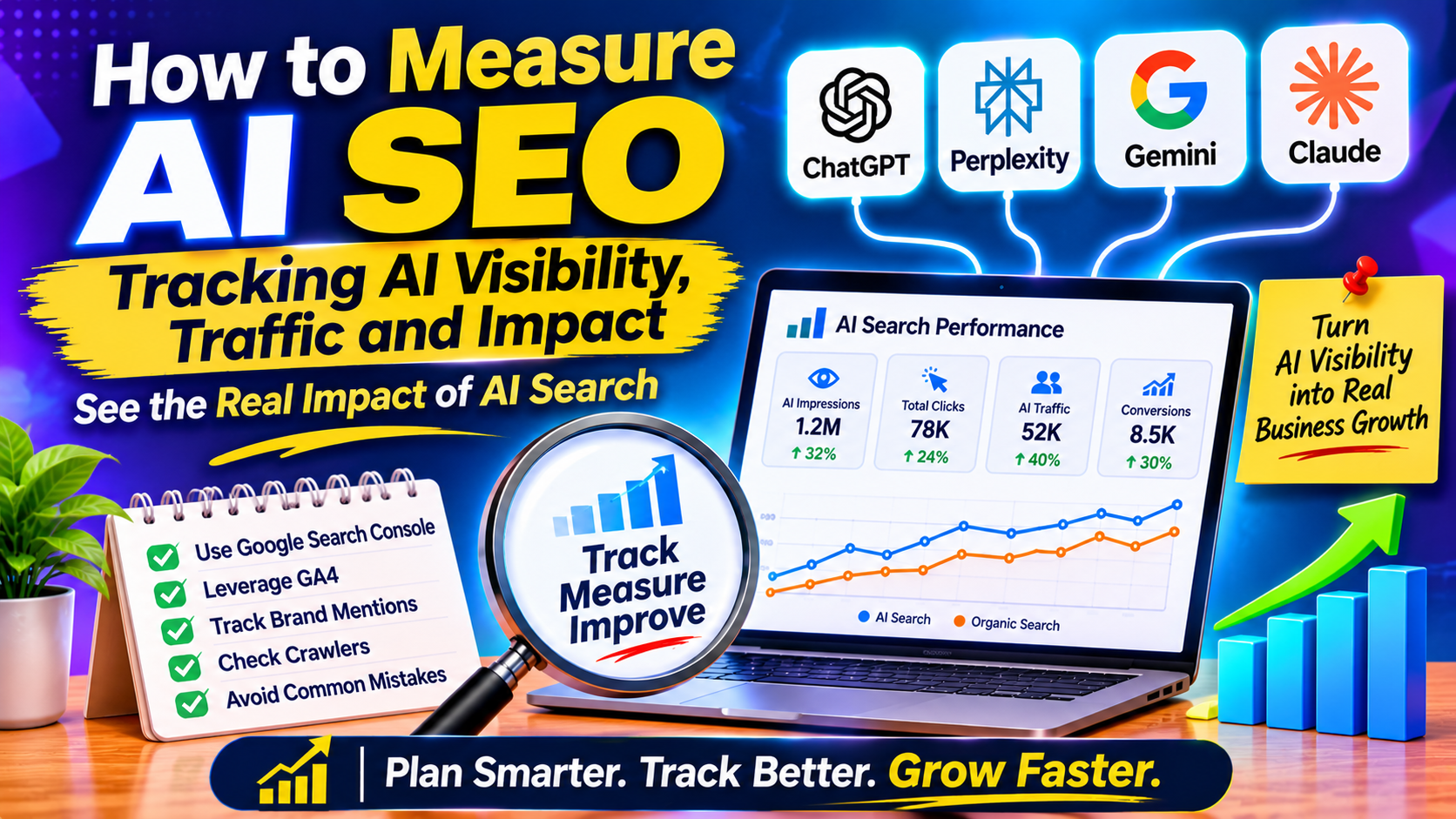
You publish a strong guide, an AI answer engine quotes it, and your analytics show almost nothing. That gap is the hardest part of AI SEO right now: the visibility is real, but the reporting is scattered across tools that were never built for it. Sarkar SEO put this measurement guide together from current documentation and industry reporting, so you can see what you can track today, what you can only estimate, and how to avoid fooling yourself.
Why AI Visibility Is Hard to See
Three things get in the way. Google’s own AI surfaces sit inside Google’s reporting, not in your analytics. Other assistants send visitors inconsistently, and some visits arrive with no referrer at all and fall into Direct. And many people read an AI answer, never click, then search for your brand a day later.
So any single number understates your influence. Treat every figure below as a floor, not a ceiling.
Layer One: Search Console for Google’s AI Features
Google announced Search generative AI performance reports on June 3, 2026. According to Search Engine Journal, the worldwide rollout finished on August 31. The reports cover AI Overviews, AI Mode and AI features in Discover, with impressions broken down by page, country, device and date. Search Engine Land notes there is no click data. The same data also remains part of the overall Performance report.
Help pages reportedly still say some properties lack access, so if you do not see the report yet, check back. Once you do:
- Find which pages already earn AI impressions
- Compare them with the pages you expected to perform
- Spot countries where you appear more or less than you would guess
Google also added a Search generative AI control in Search Console settings that lets owners stop their content from appearing in, or grounding, these experiences. Opting out carries an obvious visibility trade-off, so change it only for a deliberate business reason.
One warning: some older articles describe an “AI Mode filter” in the Performance report, and accounts of it conflict. Rely on what your own Search Console shows.
Layer Two: GA4 for Other AI Tools
Several vendor guides report that GA4 gained a native “AI Assistant” channel in May 2026, which detects traffic from tools such as ChatGPT, Gemini and Claude. Two gaps remain. Perplexity visits reportedly still land in generic Referral. And clicks from Google’s own AI Overviews and AI Mode are counted as Organic Search, so GA4 cannot separate them.
The usual fix is a custom channel group:
- In GA4 admin, open the channel group settings and create a custom group.
- Add a channel named “AI Search” with a source condition that matches a list of AI domains, such as chatgpt.com, perplexity.ai, gemini.google.com, claude.ai, copilot.microsoft.com and grok.com.
- Place it above Referral so the rule takes priority.
Menu names change, so follow the current GA4 help pages. Remember that new channel rules are not applied to older sessions.
For context, Statcounter data for April 2026, reported by AuthorityTech, put ChatGPT at about 77% of AI chatbot referrals, Gemini at 9%, Perplexity at 7.7% and Claude at 2.7%. Your own mix will differ, which is why your own data matters more.
Layer Three: Influence Without Clicks
Some of the value never shows up as a session. Cover it with indirect signals:
- Watch branded search queries in Search Console after you gain AI visibility
- Track the direction of Direct traffic, not just its size
- Add a free-text “How did you hear about us?” field to forms, and note whether people mention AI assistants
- Ask sales teams to log it when prospects mention an AI recommendation
These signals are directional, not proof. Use them to support a story that the harder numbers already hint at.
Server Logs: Crawlers Are Not Visitors
If you review server logs, separate AI crawler requests from human visits. A bot fetching a page shows it can reach your content. It does not show anyone saw it, or that you were cited. Use crawl data to confirm access, and never add it to your traffic totals.
Mistakes to Avoid
- Treating impressions as visits
- Comparing months before and after a channel change without a note
- Reporting AI traffic as a share of the total while ignoring conversions, since volumes vary widely by site
- Trusting a tool dashboard without checking a few answers by hand
- Changing content, tracking and settings all at once, which makes results impossible to read
