



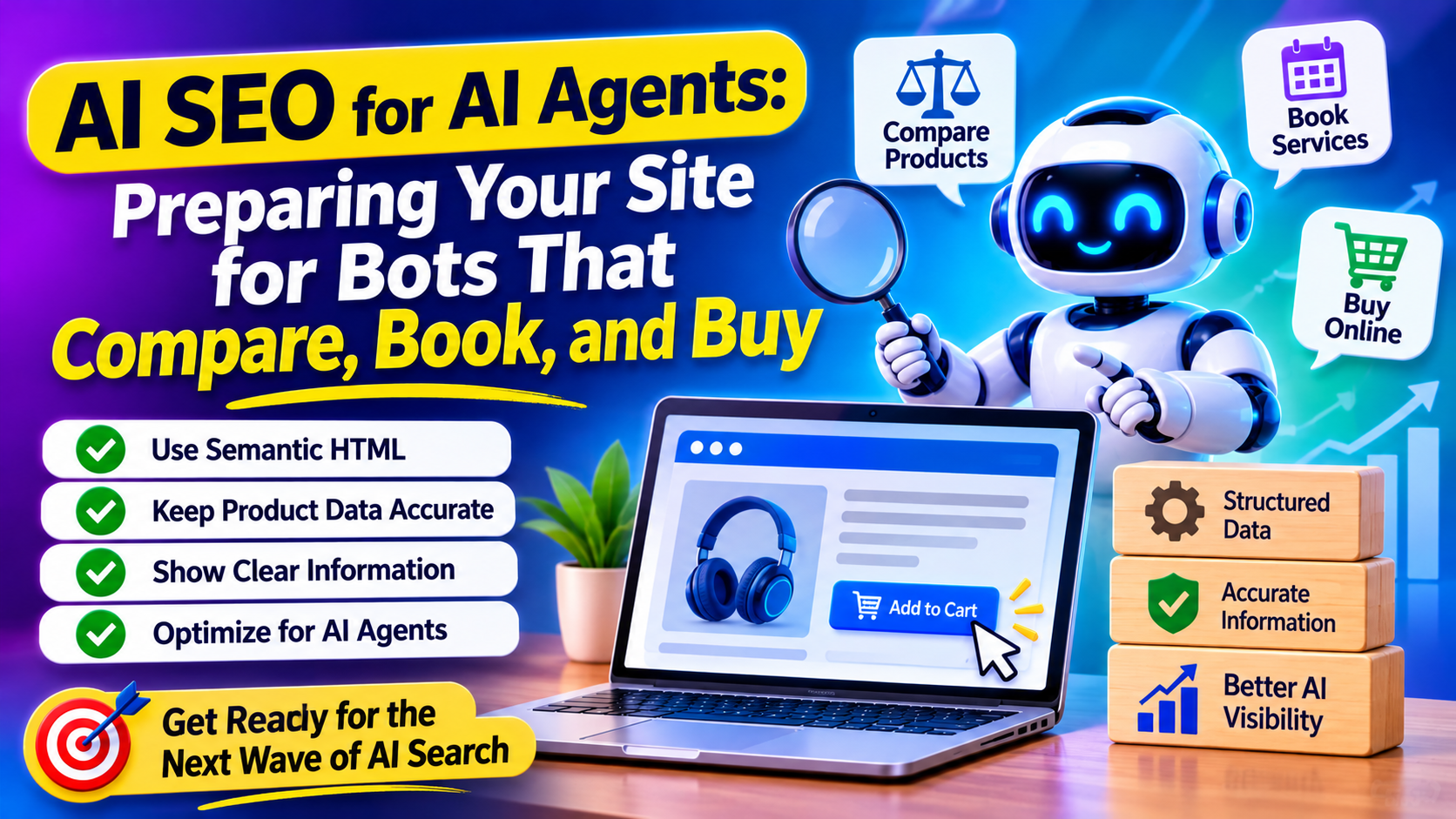
Most AI SEO work aims at answers: getting cited when someone asks a question. A newer layer is emerging, in which AI systems act. They compare products, shortlist vendors, fill in forms, and make reservations on a person’s behalf. This guide covers what that means for your website and what is worth doing now.
What Google Says About Agents
Google’s May 15, 2026 guide to generative AI features closes with a short section on agentic experiences. It describes agents as systems that complete tasks for users, such as comparing products or making reservations. It also says these systems may interact with sites by analyzing interfaces, reading page structure, and interpreting accessibility elements. Google presents the area as exploratory and mainly relevant to businesses that may benefit from future AI-assisted customer interactions.
A related Google developer page, titled “Build agent-friendly websites,” advises treating agents as a distinct visitor type alongside people. It notes that most of its advice maps to existing accessibility and semantic HTML practices, and it points to WebMCP, a proposed standard for agent-site interaction that is only in early preview.
The takeaway is measured. Agents are real enough for Google to document, but the standards are young. Prepare the foundations, not the experiments.
How Agents Read Your Site
Google describes three ways agents interpret a page: screenshots read by vision models, the raw HTML structure, and the accessibility tree. A site that works well for one lens can fail another.
The same developer guidance, as summarized by third parties, flags the sort of design choices that trip agents up: complex hover states, shifting layouts, and elements that visually cover interactive components. A button built from a generic clickable container rather than a real button element creates ambiguity about what it does.
Agent-Friendly Fixes That Also Help People
None of these are exotic, and every one improves the experience for keyboard users and screen readers too:
- Use semantic HTML. Real buttons, links, headings, and form elements make actions identifiable without guesswork.
- Label every form field clearly, including what each input expects.
- Show actions in the interface. Avoid hiding key steps behind hover states or scroll-triggered scripts.
- Stabilize layouts. Content that jumps after load can confuse screenshot-based agents and human visitors alike.
- Don’t overlay clickable elements, even with transparent layers, since overlays can cause agents to skip what is underneath.
- Test a key journey with only a keyboard, such as requesting a quote or booking a call. If you can’t finish it, an agent probably can’t either.
Sarkar SEO’s view is that this is the cheapest AI SEO work available, since it overlaps with accessibility you arguably should have done anyway.
For Stores: The Product Data Stack
For online shops, agent readiness depends heavily on product data, not only page design. Google’s AI shopping results draw products from its Shopping Graph, which is fed primarily by Merchant Center product feeds. In January 2026, Google added the Universal Commerce Protocol, an open standard for agentic checkout with new Merchant Center attributes for AI Mode and Gemini, initially in early access. On OpenAI’s side, the Agentic Commerce Protocol, built with Stripe, powers product discovery and checkout in ChatGPT. Shopify says its Agentic Storefronts went live in March 2026 across several AI surfaces.
Many retail-focused guides describe a stack in which feeds, on-page structured data, and visible page content must agree. Treat their claims as practitioner guidance rather than proven rules, but the logic is sound:
- Keep price and availability identical across your feed, your markup, and your checkout. One merchant-tools vendor warns that mismatches can lead AI systems to treat a listing as unreliable.
- Include product identifiers. One guide reports that missing GTINs can cause Merchant Center to suppress products, so check them.
- Fill optional attributes such as materials, sizes, and shipping details, not only required fields.
- Fix stale data first. A Search Engine Land report, as cited by one retail vendor, listed incomplete product data and outdated availability among the biggest barriers to visibility in AI shopping tools.
Note that Google says no special structured data types are required to appear in AI Overviews or AI Mode, and its guide treats shopping and local details separately. Merchant feeds are a distinct system with their own requirements.
For Service and B2B Sites: Make Capabilities Explicit
Not every business sells a product. If buyers may delegate vendor research to AI, ambiguity costs you. One practitioner guide argues that agents can’t infer what is vague, so unclear information gets converted into omission. Their suggestion, which I’d treat as sensible advice rather than tested fact, is to state plainly:
- What you do and what you don’t do.
- Who you serve, and who you don’t.
- How pricing works, or at least your pricing method.
- Named outcomes, integrations, and service areas.
Put this on pages a person would also want to read, rather than in hidden files. Google states that you don’t need llms.txt or separate AI-readable files for its generative features.
What Not to Overdo
- Don’t rebuild around draft standards. WebMCP is a proposal, and the checkout protocols are still evolving and, in places, in early access.
- Don’t chase every platform. Pick the surfaces your customers actually use.
- Don’t expect large volume yet. Google calls this area exploratory, so measure before investing heavily.
- Don’t publish unverifiable claims to look “machine-friendly.” Accuracy matters more than volume.
A Quick Readiness Test
Run this check in an afternoon:
- Complete your most valuable action using only the keyboard.
- Compare price, stock, and shipping data across feed, markup, and visible page.
- Read your key pages and ask whether a stranger could state what you offer, to whom, and at what price range.
- Ask a few AI assistants to compare you with competitors, then note any inaccurate details and trace them to their source.
