



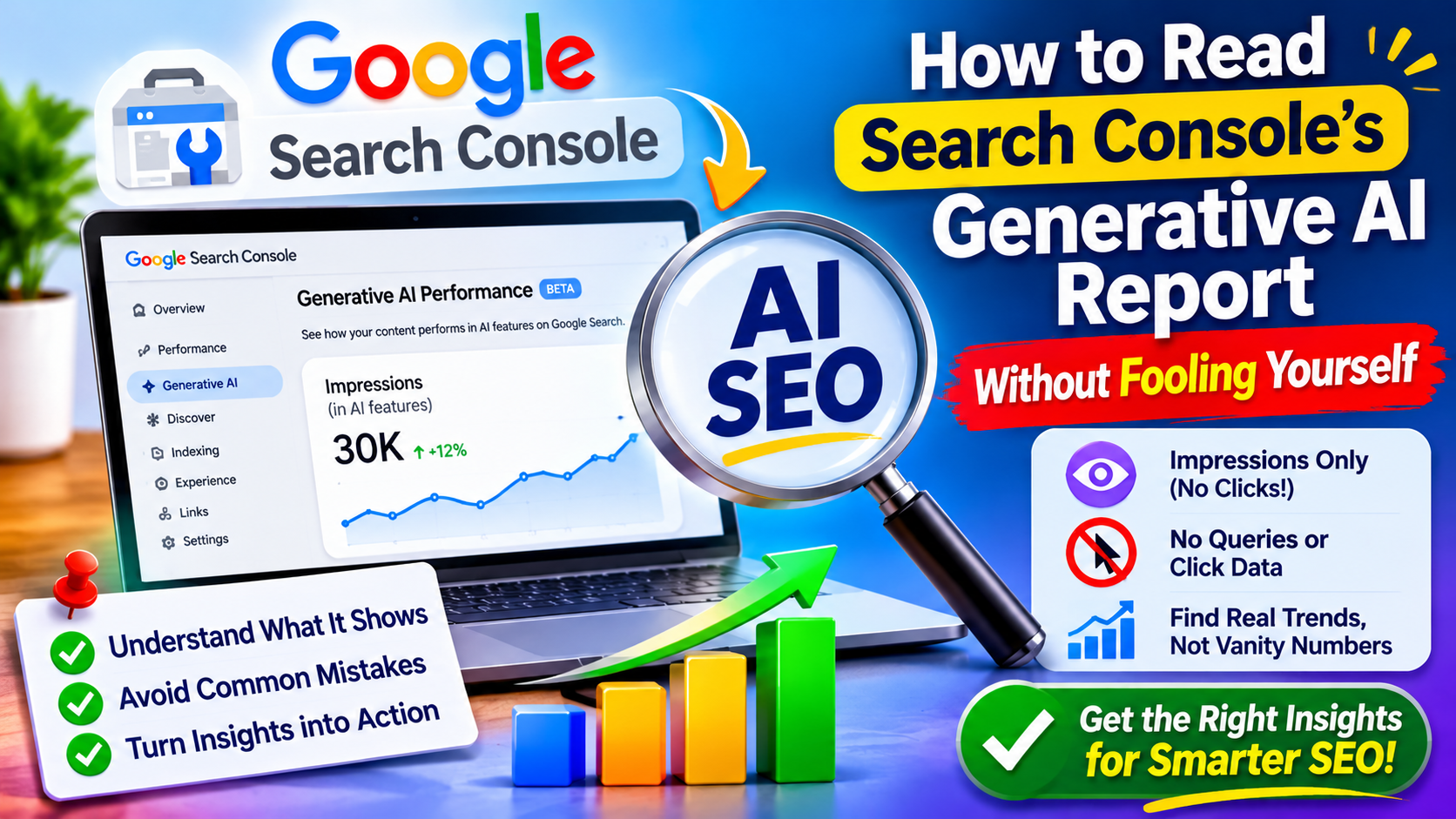
For two years, the honest answer to “are we visible in Google’s AI answers?” was “we can’t really tell.” In 2026 Google added a report that finally gives a partial answer. It is useful, but easy to misread. This AI SEO guide explains what the report does and does not show, and how to turn it into decisions instead of vanity numbers.
What the Report Is
Reports from the launch period say Google launched dedicated generative AI reports in Search Console on June 3, 2026, with separate views for Search and Discover. The Search view isolates a site’s impressions inside AI Overviews, AI Mode and generative features, and was described as beta at launch. Data reportedly starts from May 18, 2026. Google’s own guidance points site owners to this report as the place to see how content performs in generative AI features on Google Search and Discover. search console ai performance reports +3
Availability may vary by account, and the interface may have changed since these reports were written, so check your own property.
What It Shows, and What It Hides
According to coverage of the launch, the report shows how often links to your site appeared in AI Overviews and AI Mode, by page, country, date and device, and reports impressions only. Several limits follow:
- No clicks, click-through rate or average position in the dedicated report
- No queries or prompts, so you cannot see what people asked
- No split between AI Overviews and AI Mode; the reports group generative features into a single view
- Search Labs experiments excluded, according to Search Engine Journal’s description of the Search report
It is also a new lens, not new data. AI Overviews and AI Mode impressions were already inside the main Search performance report and remain there. Clicks stay in the main report too. One analysis adds that in Google Analytics, these visits land in the Organic Search channel, so you cannot isolate AI-driven traffic there either.
Three Calculations Worth Doing
Sarkar SEO suggests three simple calculations. These are practical methods, not official metrics, and the numbers below are invented purely to show the arithmetic.
- AI impression share. Divide impressions from the generative AI report by total web search impressions for the same dates. If your site had 400,000 impressions and the AI report shows 30,000, about 7.5% of your visibility involved AI features. Track the trend over months, not the single figure.
- The shown-but-not-clicked list. Export the pages with the most AI impressions, then pull clicks for the same pages and dates from the main Performance report. Pages with many impressions and few clicks are being seen but not chosen. That is where the opportunity, or the problem, sits.
- Country and device skew. Check whether AI visibility concentrates in particular countries or on mobile. A skew can point to markets where your localized content is strong, or markets where you are invisible.
Four Ways to Misread the Numbers
Treating impressions as readership. An impression means a link appeared, not that anyone read or acted on it. Appearing in an AI answer may build awareness, but you cannot prove it from this report.
Assuming it covers all AI search. The report covers Google’s features only. ChatGPT, Perplexity, Claude and others are invisible to it, so pair it with manual prompt checks, as discussed in earlier guides.
Reading short history as a trend. With data starting in mid-2026, seasonal swings and rollout changes can look like performance changes. Wait for several months before drawing conclusions.
Comparing yourself to benchmarks. Public statistics about AI Overview click loss or impression share come from different datasets and methods. Compare your site against its own past, not against a headline number.
From Insight to Action
Use the findings to prioritize work:
- High AI impressions, low clicks: Review whether the page offers something the AI summary cannot, such as a tool, original data, a comparison or a next step. If a summary fully answers the question, expect few clicks, and consider whether the page serves a different, deeper need.
- Important pages with no AI impressions: Confirm indexing and snippet eligibility first, since Google says a page must be indexed and eligible to show in Search with a snippet to appear in generative features. Then ask whether the content adds anything beyond what already ranks.
- Pages that suddenly lose impressions: Check for technical changes, content edits or accidental blocking before assuming an algorithm shift.
- Strong visibility in one country only: Consider whether other markets need properly localized versions rather than translations.
Reporting to Stakeholders Honestly
Managers and clients will ask whether AI visibility is growing. A short, honest monthly summary works better than a dramatic chart. Include:
- AI impression share and its change since last month
- The five pages with the most AI impressions, with their clicks
- Any pages flagged as shown but not clicked, and the planned fix
- Results from your manual prompt checks in other assistants
- A plain statement of what the data cannot tell you
That final line protects your credibility. It tells readers you understand the limits, which makes the rest of the report more believable.
Keep an Eye on Controls
One report says Google is also testing a Search Console control that would let site owners include or exclude their content from AI features. If it launches in your account, treat it as a business decision, not a technical toggle. Excluding content may protect traffic on some pages but also removes a visibility channel, so review page types separately.
