



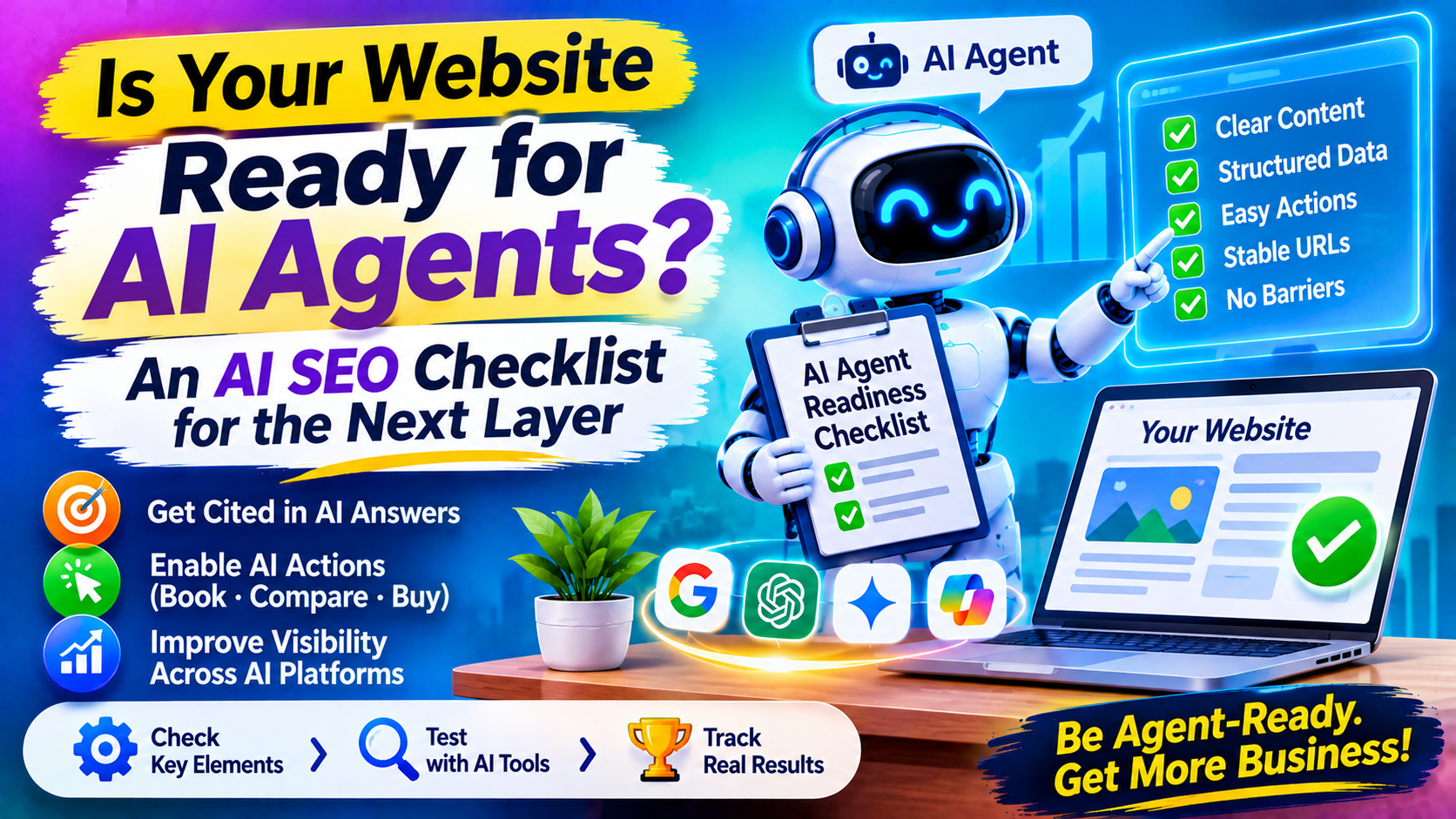
Getting cited in an AI answer is one job. Getting an AI agent to book the appointment, request the quote or compare your plans is another. Agents do not just read pages; they click, fill in forms and make choices on someone’s behalf. A site that reads well but breaks under a bot’s hands can win the citation and lose the customer. Sarkar SEO sees agent readiness as the natural next layer of AI SEO, and the good news is that most of it overlaps with practices you should already follow.
What Google has actually said
Google’s May 2026 generative AI guide includes a section on agentic experiences. It describes agents as autonomous systems that can perform tasks on behalf of people, such as booking a reservation or comparing product specifications. It adds that browser agents may access websites by analyzing screenshots, inspecting the DOM, and interpreting the accessibility tree. searchenginejournalsearchenginejournal
Notice the tone. Coverage of the guide stresses that the guidance is early, and Google frames it as optional for businesses where agent access is relevant. This is not a mandate. It is a signal about direction.
A related web.dev guide, “Build agent-friendly websites,” tells developers to treat AI agents as a distinct visitor type alongside humans. It frames poor design as a practical failure: sites with complex hover states and shifting layouts are “functionally broken for agents.”
Two different problems
A brand-side analysis separates two challenges: making websites agent-ready, which is relevant to all brands, and optimising for agentic commerce, which is relevant to ecommerce brands. That split is useful. carat
Agentic commerce is the more formal track. Google’s Universal Commerce Protocol (UCP) is an open standard co-developed with Shopify, Etsy, Wayfair, Target and Walmart, designed so agents can discover products and complete checkouts. Google launched an onboarding guide for UCP in Merchant Center in April 2026. If you sell products online, that is worth watching, and the product-data work described elsewhere applies.
Everyone else, from law firms to SaaS companies to clinics, faces the first problem: can an agent understand and operate your site as it stands?
Why existing sites often still work, and why that is not enough
Agents do not need a special protocol to use ordinary websites. One analysis notes that browser automation resembles what a person already does, so it can work with websites never built for AI agents. That is both reassuring and a warning. Agents will try your site as a human would, and any flaw that confuses a human, such as an unlabeled button, a hidden menu or a form that clears itself, will also stop an agent.
The agent-readiness checklist
- Use real, semantic elements. Buttons should be buttons, links should be links, and headings should follow a logical order. A clickable div styled to look like a button may be invisible to the accessibility tree.
- Label everything. Form fields need visible labels, and interactive elements need clear names. Since agents can read the accessibility tree, the same markup that serves screen-reader users helps agents understand what each control does. This is my inference from Google’s description, not a Google-stated rule.
- Make key actions visible without hovering. If pricing, menus or “book now” options appear only on hover, a screenshot-based agent may never see them. Provide a click or tap path.
- Keep layouts stable. Elements that shift as the page loads cause missed clicks. Reserve space for images and ads, and avoid pop-ups that cover the main action.
- Make forms forgiving. Show clear error messages, avoid clearing entered data after a mistake, and keep multi-step flows logical, with a visible indicator of progress.
- Put essential facts in text. Opening hours, prices, service areas and policies embedded in images or PDFs are harder to read and compare.
- Offer stable URLs for important states. Pages that can be reached directly, such as a pricing page or a booking page, are easier for agents to return to than states that exist only after a chain of clicks.
- Watch bot protection. Aggressive CAPTCHAs and blocking rules can stop a legitimate agent acting for a customer. This is a business decision: you may want to block automation for some actions, such as account creation or checkout, but not for browsing and quotes. Make that choice deliberately.
Test it yourself
You do not need special tools to find the weak spots. Try these tests on your top five conversion paths:
- Keyboard-only test. Can you complete the task without a mouse?
- Screen-reader test. Does the page announce meaningful names for buttons and fields?
- Screenshot test. Take a screenshot at a standard size. Is the key action visible without scrolling or hovering?
- Agent test. Use an agentic browser or assistant, if you have one, to ask it to complete a task on your site, such as requesting a quote. Record where it hesitates, fails or picks the wrong element.
Sarkar SEO suggests logging every failure as a ticket for your developers. Most are small fixes that also improve usability and accessibility for people.
Emerging standards: watch, do not rush
New proposals aim to make agent actions more explicit. A technology blog describes WebMCP as a proposed standard, with an early preview in Chrome 146, that lets websites expose structured tools directly to in-browser AI agents. I could only find this through a vendor blog listing, so treat it as an early idea. Another observer argues that browser agents and structured protocols solve different timing problems, since browser access lets agents use much of the existing web now. pagestechwyse
For most businesses, the sensible stance is to fix the fundamentals today, track the protocols, and adopt a standard only when it is stable and relevant to your sector.
Risks to manage
Agents acting for customers raise new questions. Decide which actions you allow without review, such as price checks and bookings, and which need extra confirmation, such as payments or account changes. Keep sensitive data out of publicly reachable pages. Monitor for unusual activity. Because browser agents behave like people, they may be hard to separate from human visitors in your logs, so track outcomes, such as completed forms, instead of trying to count agents.
