



Most businesses doing AI SEO make the same mistake in month three. They open analytics, look for the new traffic, find a small number and conclude it isn’t working. The real problem is the measuring stick. AI search influences customers in ways standard dashboards were never built to see.
This guide explains where AI-driven visibility shows up, where it hides, and how to build reporting you can defend to a boss or a client.
Why the usual dashboard misleads
Analytics tools record clicks. AI assistants often answer a question without sending anyone anywhere. One measurement guide puts it bluntly: GA4 only sees visitors who clicked, never those who read your content through a model’s summary. A person can see your brand named in an answer, search for you later by name, and arrive through “Direct” or branded search. The AI never gets credit.
So any single number understates reality. Another guide advises treating identifiable AI traffic as a floor, not a complete count. Even clicks that do happen can go missing, since some arrive without a usable referrer.
The fix is to measure in layers.
A three-layer measurement model
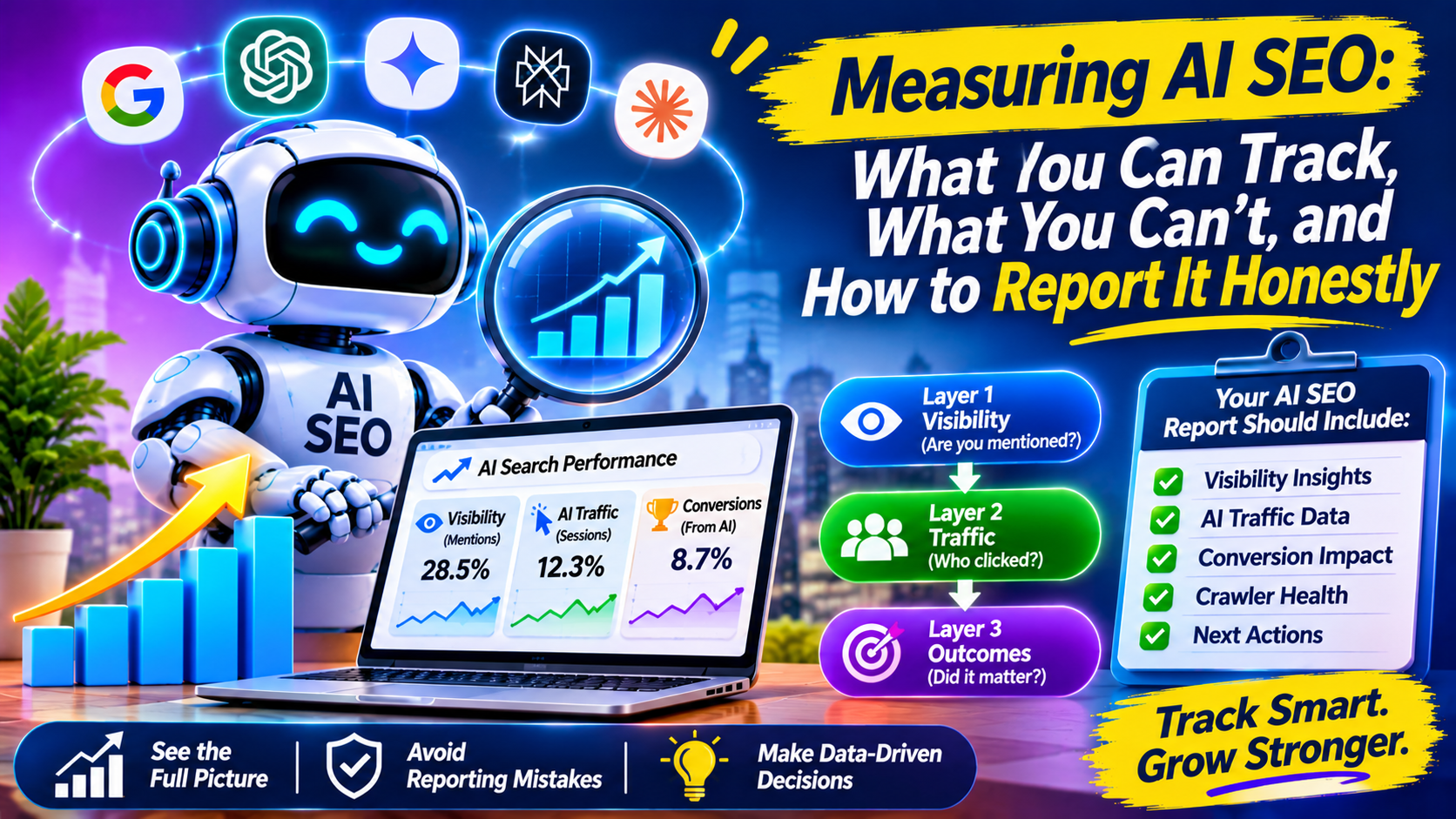
One framework breaks AI search measurement into visibility (mentions, tracked outside GA4), traffic (sessions, tracked in GA4) and conversions (tracked in GA4). I find it useful to add a fourth habit, which is watching for indirect signals. Here is how each layer works.
Layer 1: Visibility (are you being mentioned?)
This is the hardest layer, because no analytics tool shows it natively for every assistant. You have three options.
Google’s own report. Search Console now has a generative AI report. According to one write-up, it covers impressions from AI Overviews, AI Mode and generative AI features in Discover, by page, country, date and device. Treat the details with some caution, because sources disagree. One analysis says the report has impressions only, with no clicks, queries or API access, while another guide says Search Console shows queries, clicks and CTR for these formats. Google has been rolling features out gradually, so check what your own account shows before building a report around it. It also doesn’t cover other assistants: it excludes ChatGPT, Perplexity, Claude and Copilot visibility. How To Track AI Traffic To Your Website +2
A manual prompt panel. This costs nothing. Write 15 to 25 questions your customers genuinely ask, covering problems, comparisons and “best for” queries. Run them monthly across the assistants you care about, in fresh sessions, and record three things: whether you are mentioned, whether you are linked, and which competitors appear. Keep the wording identical each month so results are comparable. Answers vary from run to run, so expect noise and look for trends over several months, not single results.
Paid monitoring tools. These automate the panel at scale and can track many prompts. Some vendors in this space also sell the optimization services they report on, so ask how they sample prompts before trusting a headline score.
Layer 2: Traffic (who clicked?)
Out of the box, GA4 lumps these visits in with everything else. As one guide explains, its default grouping puts every non-search, non-social referral site into “Referral,” so ChatGPT, Perplexity and Claude traffic sit beside random blog links.
You can separate them. A common method is to create a custom channel group that isolates AI source domains, which one guide says takes about ten minutes and needs Editor-level access. One source also states that Google added a built-in “AI Assistant” channel in May 2026. I could only confirm that in a single secondary source, so verify it in your own property before relying on it.
Remember the blind spot: clicks from Google’s AI features don’t get their own channel. One analysis notes that clicks from AI Overviews and AI Mode are classed as Google organic traffic. To study them, compare landing pages gaining AI impressions in Search Console with the same pages’ performance in GA4.
Layer 3: Outcomes (did it matter?)
Traffic means little without results. Track sign-ups, enquiries, demo requests and sales for AI-referred sessions and compare them with organic search. One agency describes tracking AI-referred sessions against organic conversion rates and watching branded search for lift. Small volumes can still be valuable if the visitors arrive with intent. Just keep sample sizes in mind and don’t draw conclusions from a handful of visits. victorious
The extra signal: server logs
Your server or CDN logs reveal something analytics can’t: whether AI crawlers are reaching your pages at all. One guide lists them as a way to measure crawler access from bots such as OAI-SearchBot, Claude-SearchBot and PerplexityBot. The same source cautions that logs show no human sessions, and user agents can be spoofed. Use logs as a health check. If important pages are never fetched, fix access before worrying about content.
What a sensible monthly report looks like
Keep it to one page:
- Visibility: prompt panel mention rate, and Search Console AI impressions if available.
- Traffic: identifiable AI sessions, with last month for comparison.
- Outcomes: conversions from AI-referred visits and branded search trend.
- Health: crawler access and any pages dropped from view.
- Next action: one change to test, such as strengthening a page that is never cited.
Resist the urge to blend everything into a single score. Honest reporting shows the pieces and states what is unknown. One analytics guide warns against treating referral traffic as a proxy for total AI visibility, because many appearances produce no click.
Common reporting mistakes
- Calling zero clicks a failure. Mentions can build recognition that pays off later through branded search.
- Changing the prompt list every month. You lose the trend.
- Comparing to competitors without context. Their numbers come from their own prompt sets and tools.
- Ignoring seasonality. A dip in December may say nothing about AI.
- Over-trusting tool scores. Treat them as indicators and test them against real enquiries.
Where Sarkar SEO fits
Sarkar SEO builds measurement into AI SEO projects from the start, because a strategy you can’t observe is a strategy you can’t improve. That means agreeing on prompt lists, channel setup and conversion goals before any content changes, so there is a clean baseline to compare against.
